01
Over the past few years, I’ve integrated AI tools into my daily design work. It’s helped me spark new ideas, communicate more effectively, and make sense of complex information. And also turn concepts into real, tangible experiences. I use AI across different domains, from content and imagery to rapid prototyping, enabling me to do more and stay creative sustainably.
AI + Content
Tools like GPT have been invaluable, not just for writing and drafting, but for organizing messy information and finding patterns in feedback. I even built a Figma plugin with GPT and Claude to extract content strings. Below are examples of how I use AI for different tasks. While these tools are powerful and always evolving, they still require thoughtful use and human judgment.
Making sense of feedback and doing competitive analysis
I regularly use tools like GPT and Claude to process raw feedback, interview transcripts, forum comments, and public reviews. GPT helps me identify themes and organize insights, while Claude structures content as “artifacts” and allows for deeper exploration.
Simple design feedback
As an IC, it’s easy to feel isolated without regular feedback. I use GPT as a first pass to catch issues like accessibility or clarity, especially on technical projects. While it’s not a substitute for real design critique, it often surfaces helpful insights.
Turn information into something you can listen to and learn from
For dense material like research transcripts, Notebook LLM is my go-to. It reliably analyzes large batches of data, cites sources for accuracy, and even offers podcast-style audio summaries, making complex information more accessible.
Turn technical docs into design briefs
PM specs and engineering docs often come in too technical or too vague to use directly. I used to spend a lot of time reworking them, but now I use GPT to quickly rephrase and restructure them into design briefs. It still takes judgment and editing, but it saves time and gives me a clearer, more usable starting point.
AI + Imagery
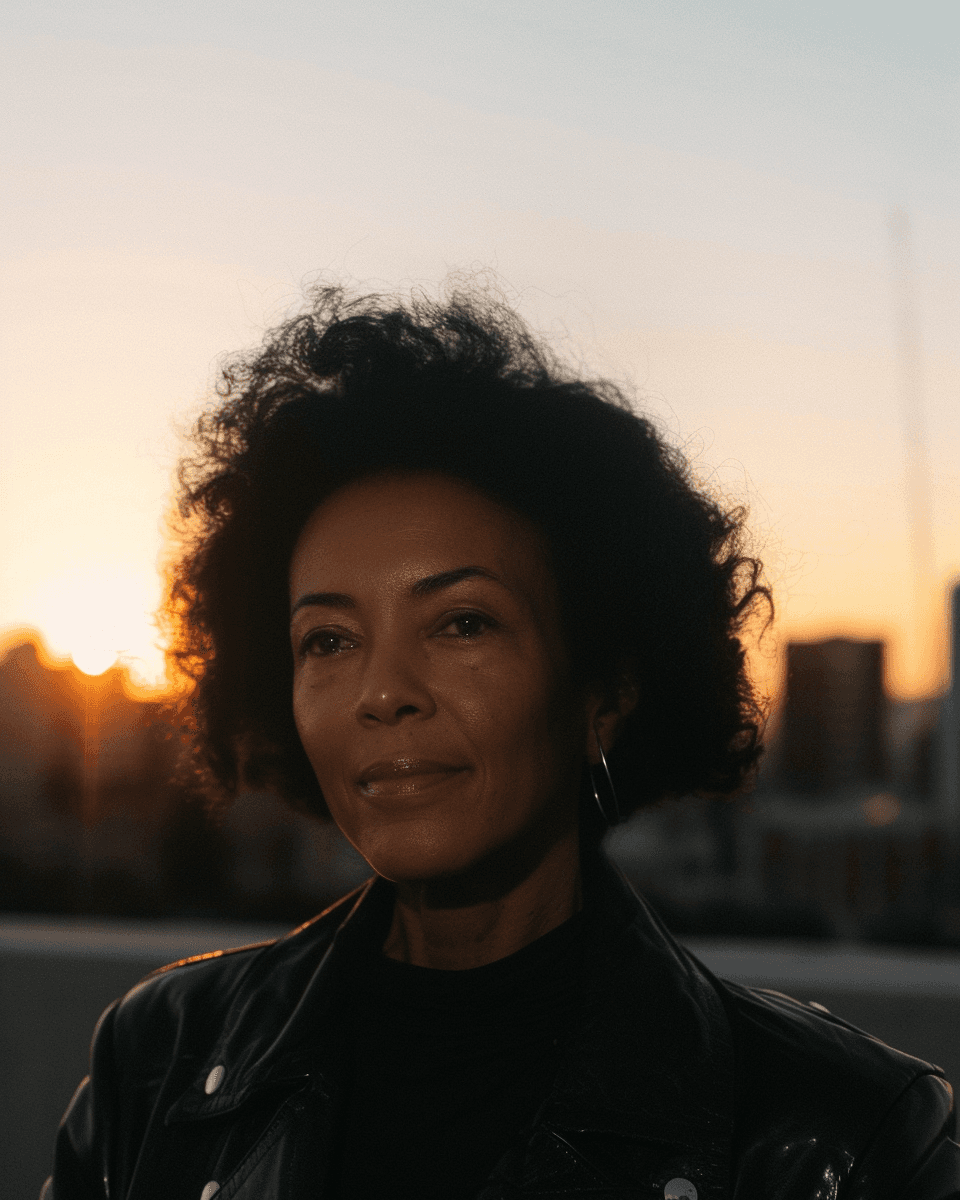
I started using Midjourney in 2023, initially just to experiment. Realizing there was a learning curve, I took Nick St. Pierre’s Midjourney for Creatives course and have been exploring ever since, following other creators and being inspired by what’s possible.



AI + Prototyping
I’ve usedAI tools like Vercel, Claude, and Figma Make to prototype and build working software. I used to rely on Framer, but these new tools have made it much easier to build ideas.
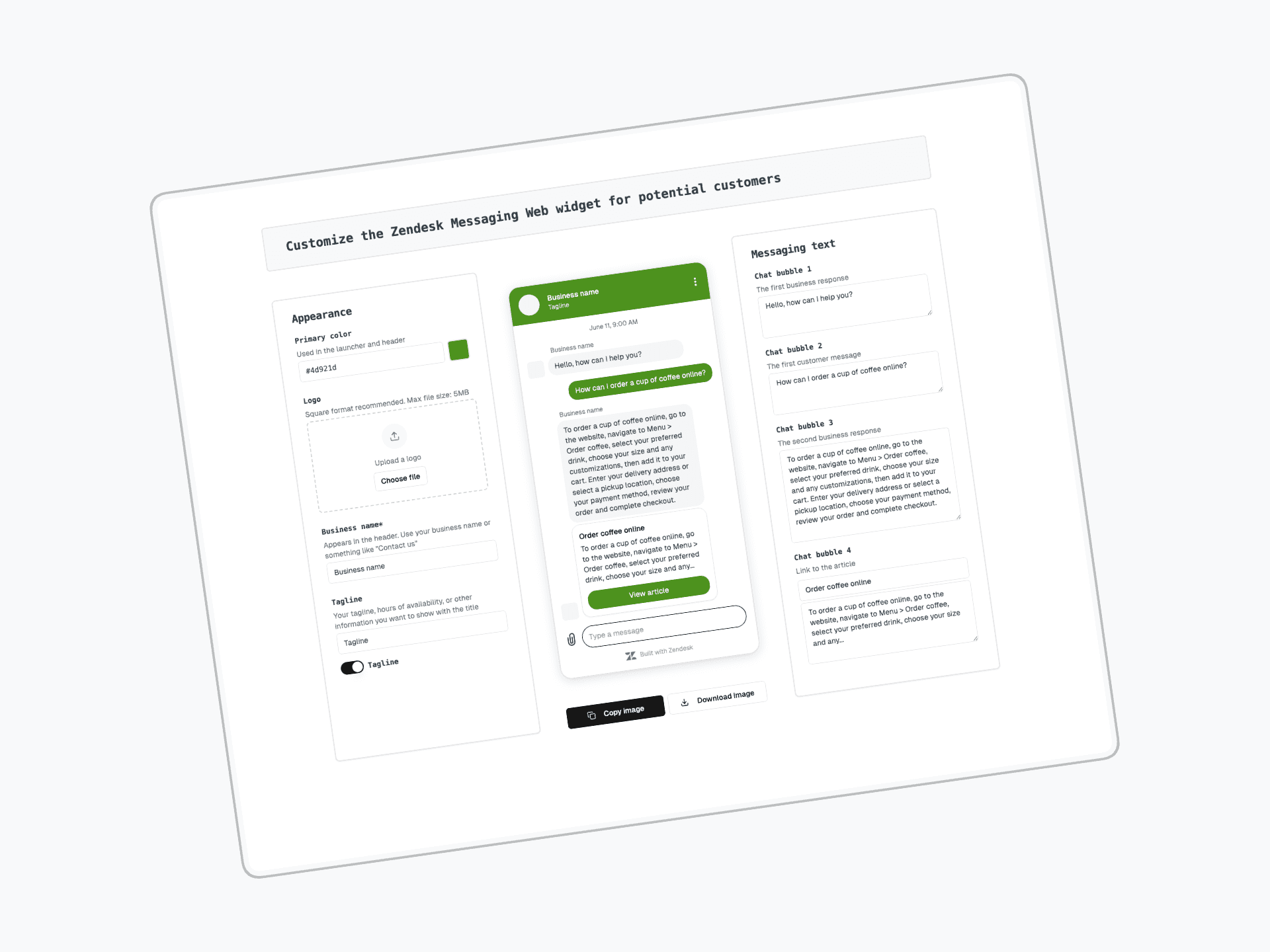
At Zendesk, I built a tool for the Voice of the Customer team to easily customize the Messaging Widget for tailored demos—a big improvement over the old manual process.
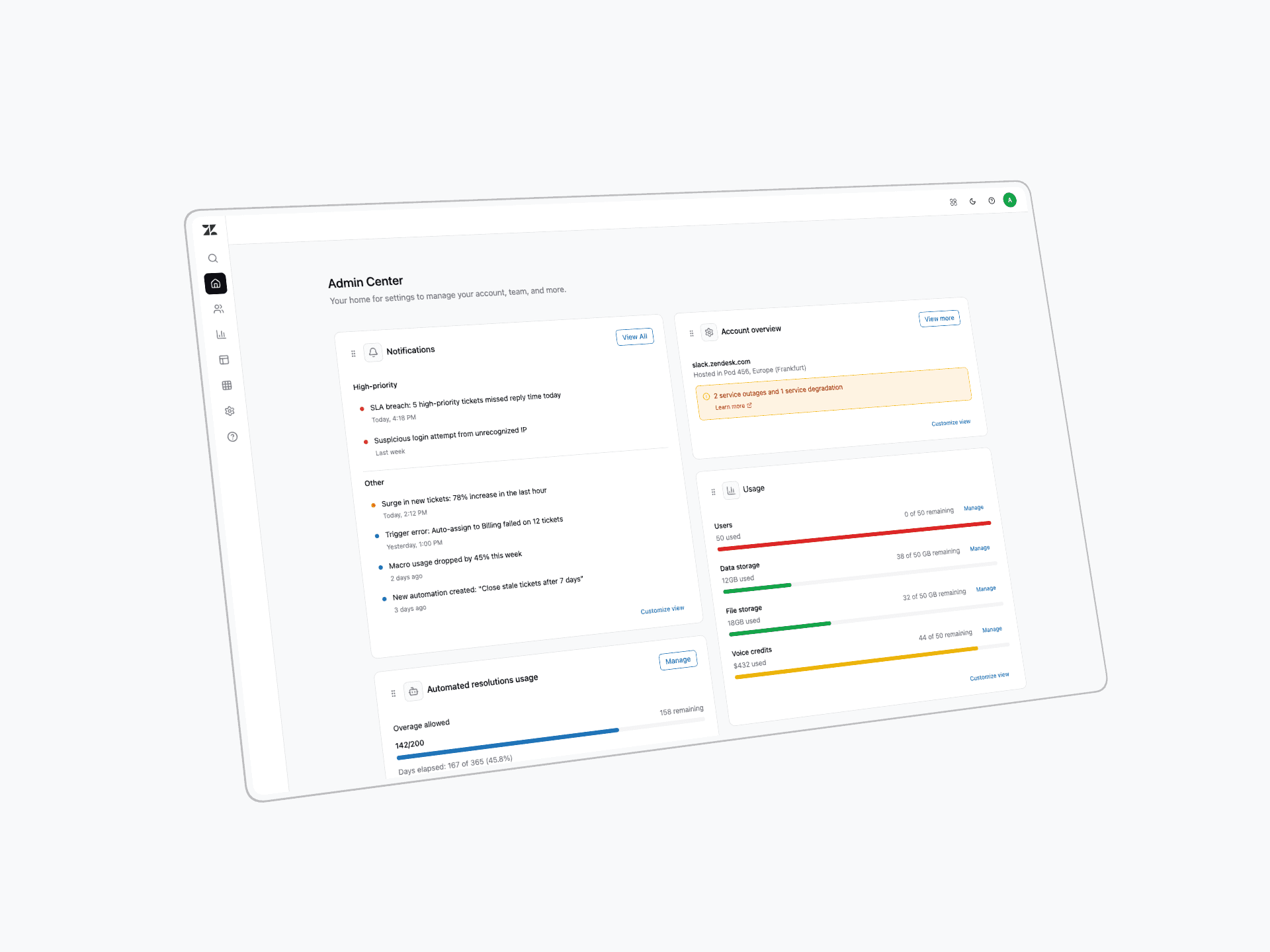
Using Figma Make, I transformed static mocks into a working prototype, quickly adding new components and refining the design into a realistic, high-fidelity concept.
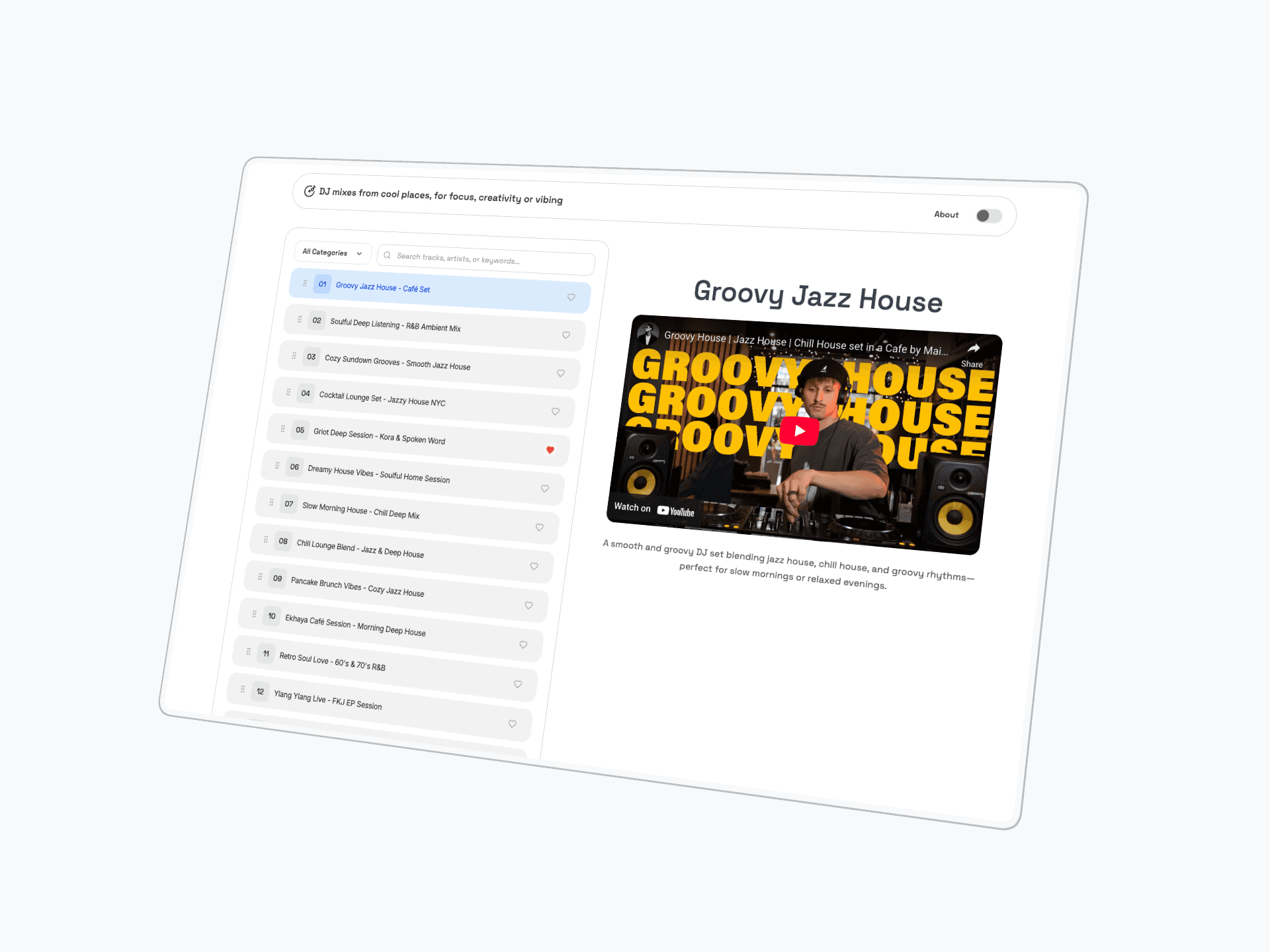
I also enjoy building small side projects, like a DJ mixes app inspired by unique YouTube sets, bringing my favorite mixes into my living room.
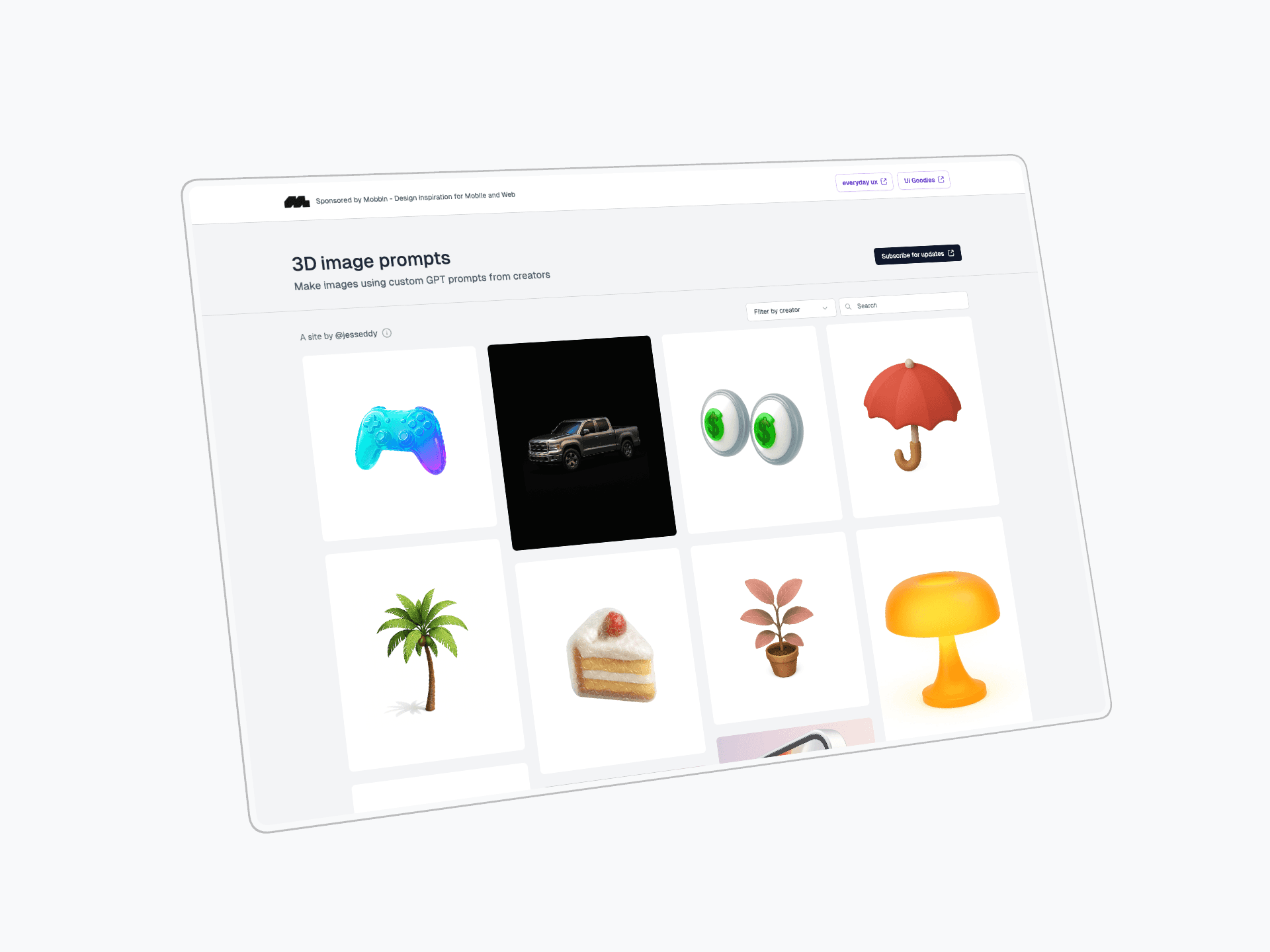
ChatGPT has become very good at generating images. I’ve built a gallery to bookmark and share standout styles and prompts, complete with sample images and instructions for easy exploration and reuse.
02
For new work enquiries or if you just want to say hello — drop me a message.